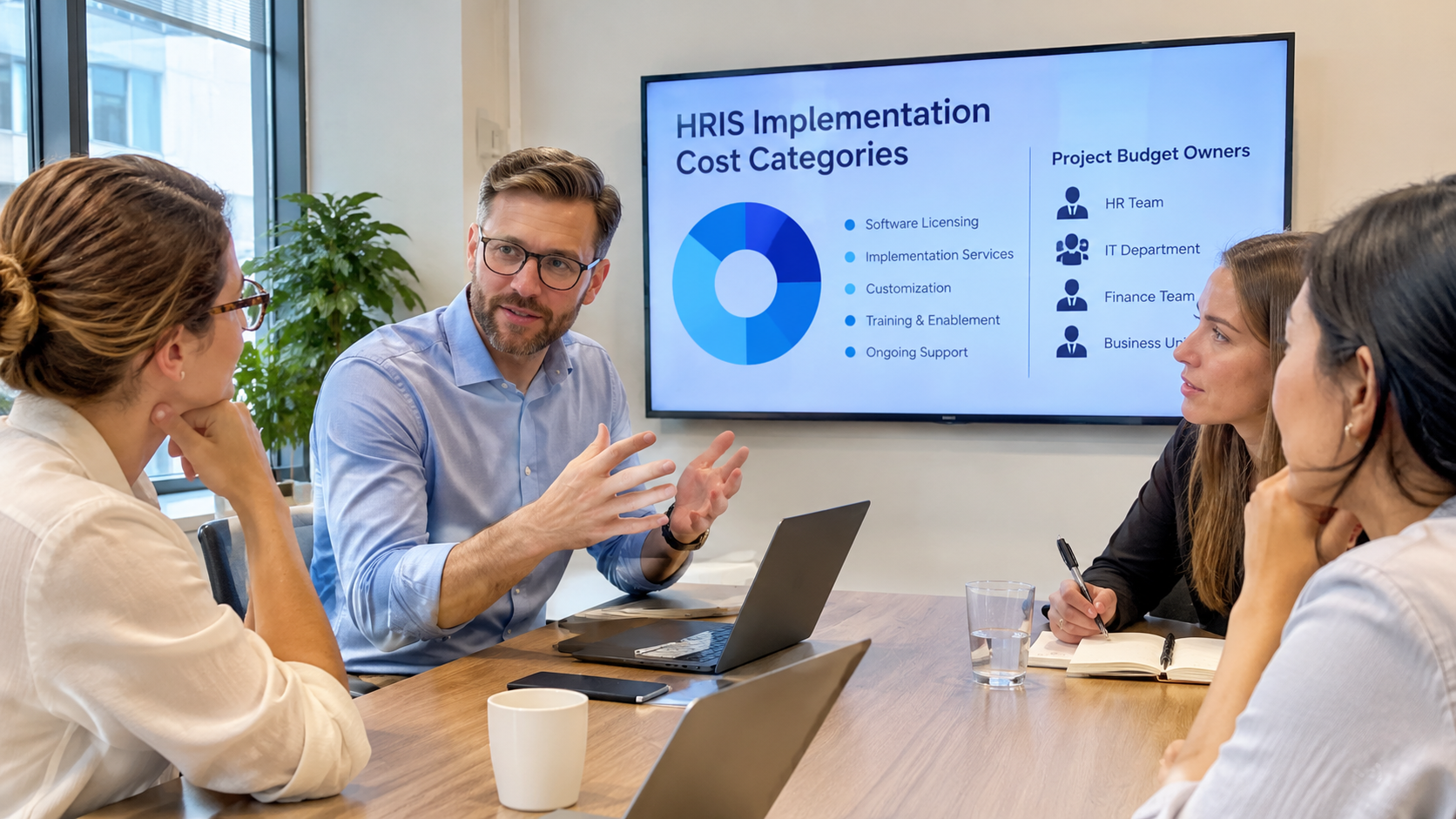
A change impact assessment template helps an HR rollout team compare how each affected group works today with what it will need to do after go-live. It gives the team a consistent way to rate each change and assign the work required before launch. Built for an HR system implementation, the template below links role-level impacts to configuration, testing, communication, training, manager support, and post-launch measurement.
Treating every affected role as though the system changes their work in the same way creates a blind spot. Payroll analysts, people managers, employees, HR administrators, and IT support leads may touch the same platform. Their tasks, permissions, risks, and support needs won’t match.
Key Takeaways: Change Impact Assessment for an HR System Rollout
- A useful change impact assessment compares current and future work for a specific affected group, then records the workflow, role, skill, data, or behavior change that group must absorb.
- The template should separate impact level from business criticality, since a small payroll or security group can carry a critical risk even when relatively few people are affected.
- Every material impact needs a named owner, a required rollout action, a due milestone, a validation status, and a practical measure that shows whether the new task is being performed as intended.
- For HR system rollouts that outgrow internal capacity, EvolveUp’s change management consulting combines readiness and impact assessments with stakeholder planning, communication, training, and adoption measurement so support plans follow the role and workflow changes documented in the assessment.
What a Change Impact Assessment Does in an HR System Rollout
A change impact assessment identifies what will be different after go-live, who will experience the change, and what support the rollout must provide. Charles Sturt University’s Change Impact Assessment Guide and Plan shows how an organizational change impact assessment should identify impacted groups, compare current and future states, rate the impact, and define training, communication, and success measures.
That analysis turns a feature list into a working decision tool for the program lead, functional owners, managers, change team, and implementation team. The Government of the Northwest Territories describes its change impact assessment as a worksheet for a technology-enabled project, which gives an HRIS rollout team a useful starting point.
A change readiness assessment answers a related but different question. Impact analysis maps what changes in a person’s work. Readiness analysis checks whether the organization is prepared to implement the change by combining stakeholder input, culture evidence, and baseline measures. Used together, the two tools give the rollout team a fuller picture.
Copy This Change Impact Assessment Template
Give each affected group and meaningful change its own row. Avoid one catch-all row for an entire module. Employees, managers, HR operations, payroll, finance, security, and IT support need separate rows whenever the same feature changes their work in different ways.
The first table captures the change. The second turns that change into an owned rollout action. Carry the same Change ID into both tables so decisions and updates remain traceable.
Template Fields to Include
A complete change impact assessment matrix separates the change from the team’s response. Use the analysis table to record the affected group, process or feature, current state, future state, impact type, impact level, business criticality, and timing.
| Change ID | Affected group | Process or feature | Current state | Future state | Impact type | Impact level | Business criticality | Timing |
| CI-01 | Role, team, or worker group | Task, workflow, module, data, or decision | What happens today | What happens after go-live | Workflow, role, skill, data, behavior, or system | Low, medium, or high | Low, medium, or high | Wave, milestone, or date |
The action table should record the risk created by the change, the response required, one accountable owner, a due milestone, validation status, and a success measure. Keep assumptions visible until a functional owner or representative user confirms them.
| Change ID | Risk | Required action | Owner | Due milestone | Validation status | Success measure |
| CI-01 | What could fail or be misunderstood | Communication, training, testing, job aid, policy, manager support, or service coverage | One accountable person | Design, test, training, launch, or stabilization date | Draft, reviewed, confirmed, or closed | Observable behavior, quality, timing, error, support, or usage signal |
Use a Simple Impact Rating Scale
Use a simple change impact rating scale to measure the distance between current and future work as low, medium, or high. Low-impact changes barely alter routine work and need little support. Medium-impact changes affect part of a workflow, skill, decision, or handoff and call for planned support. High-impact changes reshape responsibilities, controls, data, behavior, or working methods and need active leadership and delivery support.
Keep business criticality separate from impact. A payroll approval change may affect only a few people and still deserve high criticality because an error could disrupt pay. Add a short reason for every rating so reviewers can challenge it when scope, configuration, policy, or test evidence changes.
How to Complete the Template
Complete the template by defining scope, comparing current and future work, scoring each change, assigning actions, and validating the rows with the people closest to the work. Update the assessment whenever design or rollout evidence changes.
Define the Rollout Scope and Affected Groups
Start by defining the modules, locations, worker types, interfaces, policies, and rollout waves that are in and out of scope. A clear boundary prevents the assessment from expanding into every HR process and still captures dependencies that can affect launch.
Treat scope mapping as a stakeholder impact assessment by splitting broad audiences whenever their tasks or decisions differ. A manager who approves time off needs a separate row from an employee who submits a request. Payroll and finance may need their own rows, as may security and IT, even when all four support the same employee self-service feature. The full HRIS implementation guide gives phase-by-phase context, but the matrix itself should stay tightly focused on impact and response.
Assign a business owner to each workflow before scoring it. The owner should be able to explain the current process, approve the future process, and identify the people who must validate the change.
Compare Current and Future Work
Document what each affected group does today and what it will do after go-live. Use a current-state and future-state analysis to describe the actual task, decision, handoff, data entry, permission, exception, or control instead of writing vague entries such as “new system” or “process improvement.”
Look beyond screens. A new manager approval page can change who owns exceptions, when payroll receives data, how employees check status, and which team answers questions. Mark any future-state detail that still depends on configuration or policy as an assumption rather than presenting it as settled.
Score Impact and Business Criticality
Score impact against the defined low, medium, and high criteria, then score business criticality as a separate judgment. Consider payroll continuity, compliance, security, data quality, employee access, reporting, and operational timing.
Escalate any row where high impact and high criticality appear together. Unresolved design decisions, a missing owner, failed test evidence, or a dependency spanning several teams deserve attention. Treat the score as a prompt for stronger ownership, validation, and support. The action plan still needs a concrete response.
Assign Actions, Owners, and Timing
Translate each material impact into a concrete response. The response might be a configuration decision, test scenario, role-based communication, practice session, job aid, manager briefing, policy update, support script, or extra coverage during stabilization.
Name one accountable owner for each action. Tie the timing to design approval, configuration freeze, testing, training, launch, or stabilization. If several teams contribute, list them in the notes and keep one person accountable.
Validate the Assessment and Keep It Current
Review the draft with the people who perform and supervise the affected work. Functional owners, subject-matter experts, managers, representative users, HR, payroll, IT, security, and implementation specialists can each confirm a different part of the row.
Record whether each row is draft, reviewed, confirmed, or closed. Update it when configuration, integrations, policies, rollout waves, test results, or support data change. The University of Manchester places change impact assessments beside communication, transition, post-launch support, and monitoring tools, reinforcing that the matrix should feed the wider rollout rather than sit as a one-time worksheet.
Worked Example: Employee Self-Service Rollout
This change impact assessment example shows how one employee self-service release can create different work for employees, managers, HR operations, payroll, and IT support. The ratings are illustrative. Your team should set them from its own design, controls, risks, and test evidence.
| Affected group | Current-to-future change | Impact and criticality | Required action | Success measure |
| Employees | Profile updates sent to HR become self-service updates | Medium impact, medium criticality | Short demo, job aid, and support route | Accurate updates completed without avoidable HR rework |
| Managers | Email approvals become in-system time-off approvals with delegation | High impact, high criticality | Scenario practice, delegation rules, and reminder before launch | Approvals completed on time with correct delegation |
| HR operations | Manual request intake becomes exception review and workflow oversight | High impact, high criticality | Configure queues, train administrators, and test exceptions | Exceptions routed and resolved by the assigned owner |
| Payroll | Manual changes become a validated system feed with exception checks | Medium impact, high criticality | Reconcile test cycles and define cut-off escalation | Employee changes reach payroll accurately by cut-off |
| IT support | General ticket routing becomes HRIS access and integration triage | Medium impact, medium criticality | Update scripts, ownership paths, and escalation rules | Tickets reach the correct support owner without repeat handoffs |
Turn the Assessment Into a Rollout Plan
Start the rollout plan with the rows carrying the highest impact, criticality, and uncertainty rather than treating every entry equally. Then group the required actions by audience, rollout wave, owner, and milestone. This keeps the matrix connected to delivery work instead of turning it into a separate reporting exercise.
For HRIS change management, a practical review identifies four decisions. Confirm what must close before configuration or testing can continue and which groups need to perform a new task before launch. Then identify high-criticality workflows that need rehearsal or extra support and assumptions that would force the plan to change.
If your team can document impacts but lacks the capacity to carry them into delivery, outside support becomes a concrete project decision. EvolveUp’s vendor-agnostic HR implementation services span readiness, platform selection, configuration, integration, data migration, testing, training, go-live, and post-go-live support. Its change management consulting translates assessed changes into stakeholder, communication, training, manager support, feedback, and adoption plans.
Together, those services can keep rollout support tied to documented role and workflow changes instead of relying on a broad launch message.
Convert High Impacts Into Communication and Training
An employee training plan for a new HR system should build support around the future-state task and its risk. A manager who must approve requests inside the new system needs practice with the workflow, delegation rules, exceptions, and escalation path. An employee who only submits a request may need a short demonstration and a job aid.
Choose the format from the task, not from habit. Manager briefings, scenario practice, office hours, targeted messages, job aids, and support scripts each solve a different problem. A change management communication plan can then assign the sender, message, channel, timing, required action, feedback route, and owner for each affected group.
Define Adoption Measures and Post-Go-Live Support
Choose measures that reflect the future behavior described in the assessment. Useful signals can include task completion, accuracy, approval timing, error rates, recurring support themes, and system usage when usage is a meaningful part of the task.
Access and training attendance do not prove adoption by themselves. Set a review cadence and name the person who will interpret the signal and adjust support. A practical change management metrics framework can help separate rollout activity from correct, consistent, and sustained use.
Common Mistakes That Make the Assessment Less Useful
A common mistake is listing system features without naming the affected role or work change. “Employee self-service launches” tells you what the system has. It leaves out who updates data, who approves exceptions, what payroll receives, and what support must change.
Broad audience labels cause the same problem. “Managers” may include people with different approval rights, locations, worker types, or rollout dates. Split the group when the future task, risk, or response differs.
Avoid unsupported precision. A score of 8.4 looks rigorous but adds little if the team has not defined inputs, weights, and decision thresholds. A clear low, medium, or high scale with a written reason is often easier to review and maintain.
Do not confuse reach with criticality. A change that affects every employee can be easy to learn, but a change used by five payroll specialists can carry a serious operational risk. Keep both judgments visible.
Keep the assessment live after design. Unvalidated assumptions, changing configuration, late integration findings, and missing owners are common HRIS implementation challenges. Update the matrix whenever the evidence changes.
Use the Assessment to Make Better Go-Live Decisions
A completed change impact assessment template supports better go-live decisions when every material change has an affected group, a confirmed future state, a justified rating, an owner, a response, a due milestone, and a measure. It gives leaders a concrete way to see what is ready, what still depends on a decision, and where launch or stabilization needs more support.
Start the matrix during design, use it to shape testing and training, and keep it active through launch and stabilization. Its value comes from maintaining a reliable link between changes in the work and the rollout team’s response as the spreadsheet itself keeps evolving.
If the matrix shows that your team can identify impacts but cannot carry every action through configuration, testing, training, launch, and stabilization, bring the completed rows to a conversation with EvolveUp. Start with the highest-impact rows, open assumptions, and named owners so both teams can decide what EvolveUp should support and what your internal owners will continue to own.